
Smart Inventory Control for Retailers – Reduce Stockouts, Cut Waste & Boost Profits
Get real-time tracking, automated reordering, and multi-store sync all in one powerful retail inventory system with KORONA POS.
The Key Features Retailers Need to Manage Inventory
- Product Theft and Loss Prevention
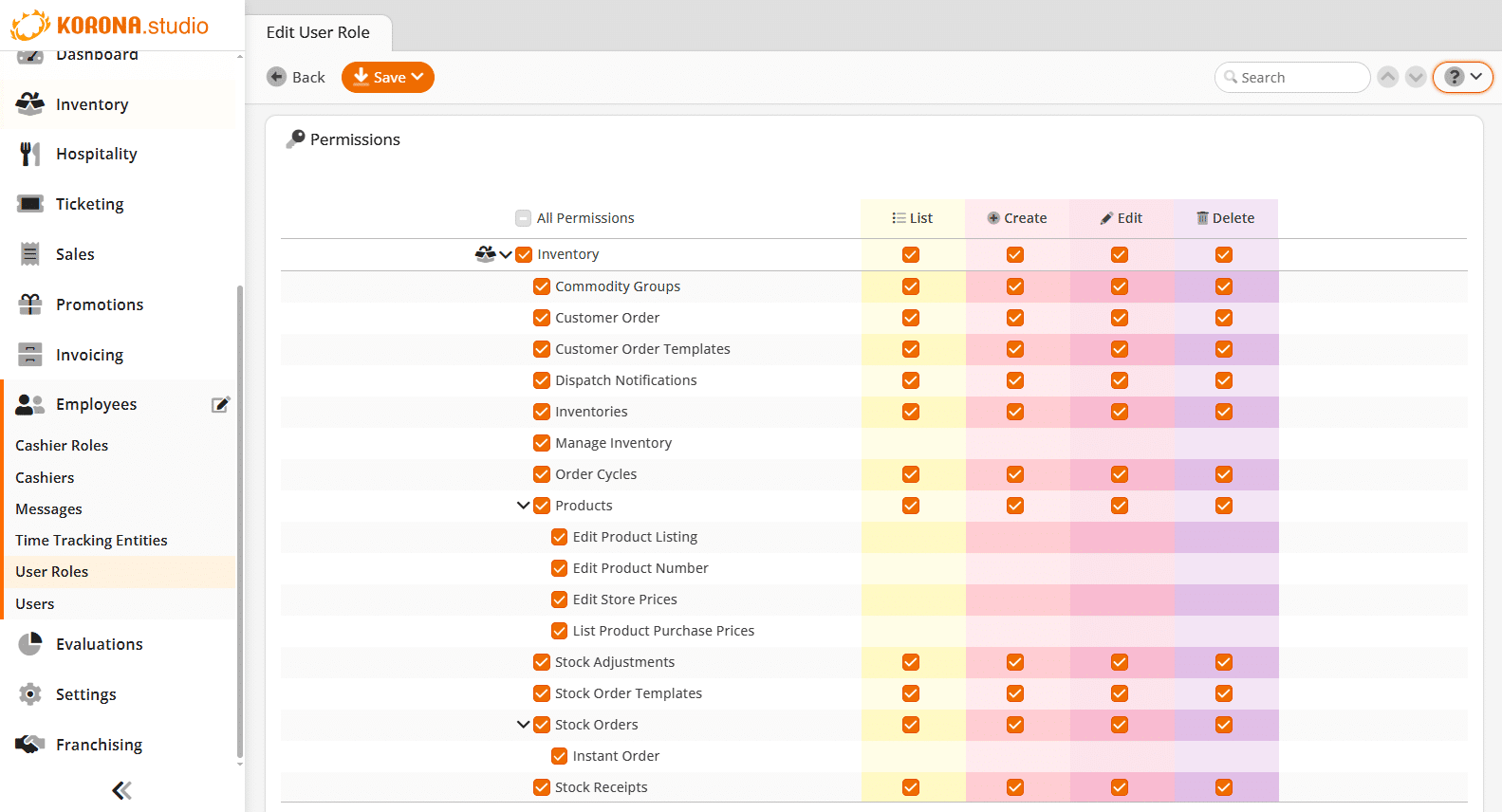
KORONA POS can adjust appropriate permissions for certain users. For example, you can have your staff perform counts without granting full access to your product counts and values.
- Inventory Mobile Access
Perform inventory stock counts and view product reports directly from your point of sale or via the KORONA POS inventory mobile app to avoid spreadsheets and complicated imports.
- Tracking Notifications
KORONA POS inventory tracking software automatically identifies problems and allows you to prioritize products with a negative stock count or that have been selling less.
- Reorder Levels
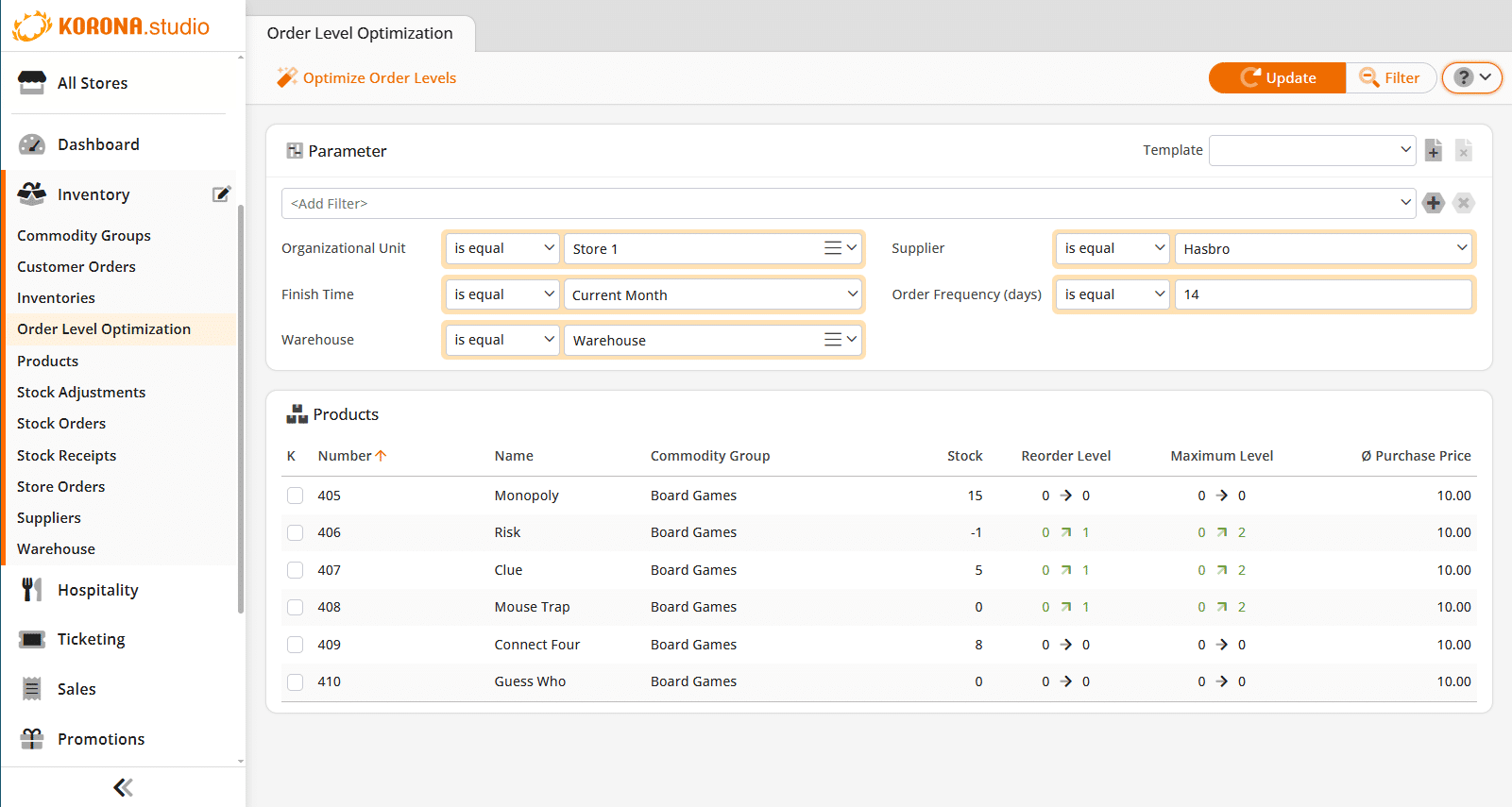
Analyze and recalculate ideal reorder levels based on purchase history, seasons, and trends. Retailers can quickly optimize inventory levels and prevent excess inventory.
- Automated Counting
Generate daily or weekly stock lists. Spread out annual counts throughout the year and ensure all items are counted at least once. Counting inventories has never been easier.
- Shipment Tracking
KORONA POS can import vendor shipment notifications. This allows retail businesses to know about any missing products once they ship an order.
- Ease of Receiving
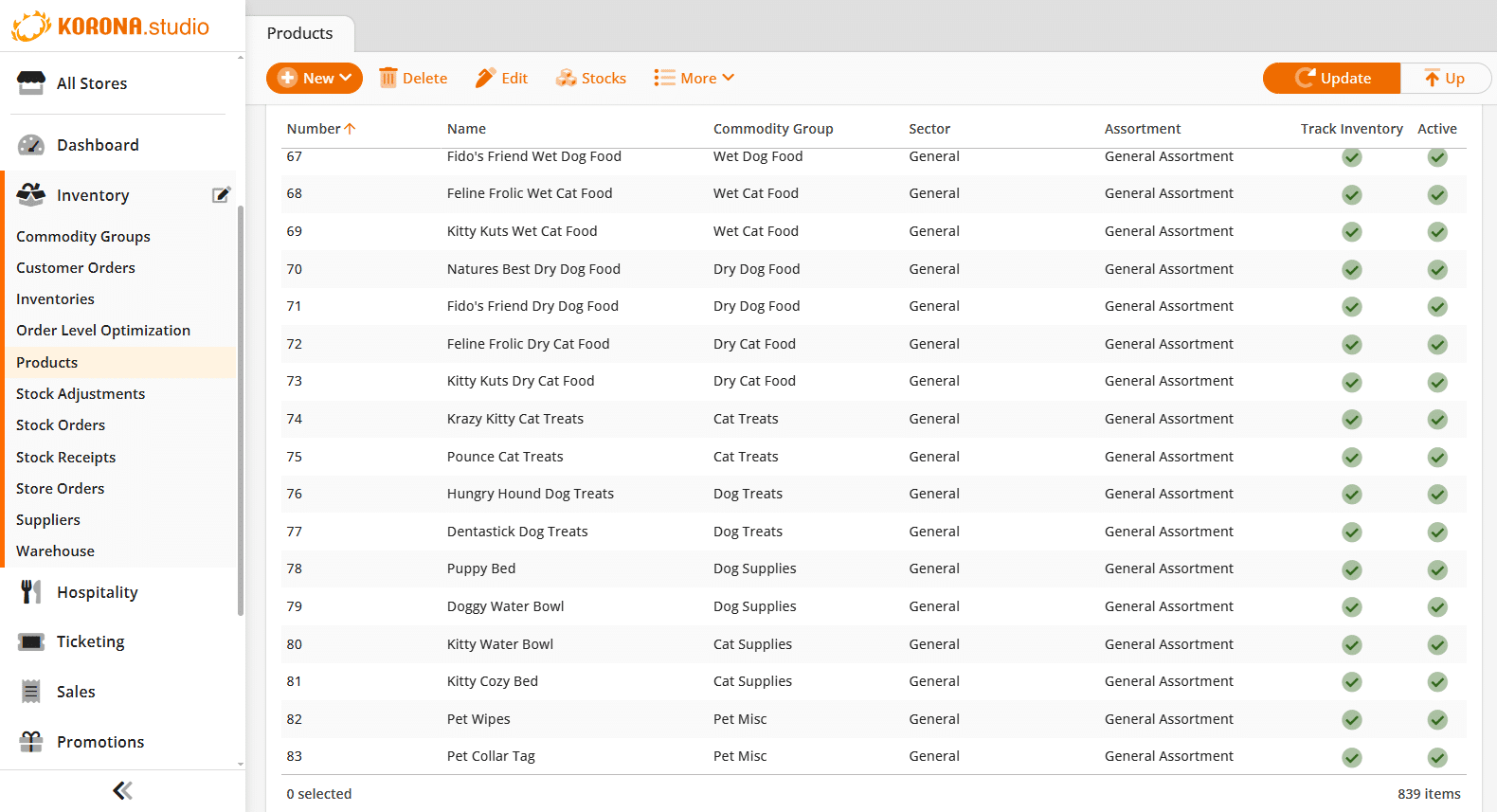
Receiving is possible through the back office, at the point of sale, or via the mobile app. KORONA POS retail inventory management system is a versatile solution that fits your business.
- Multiple Product Codes
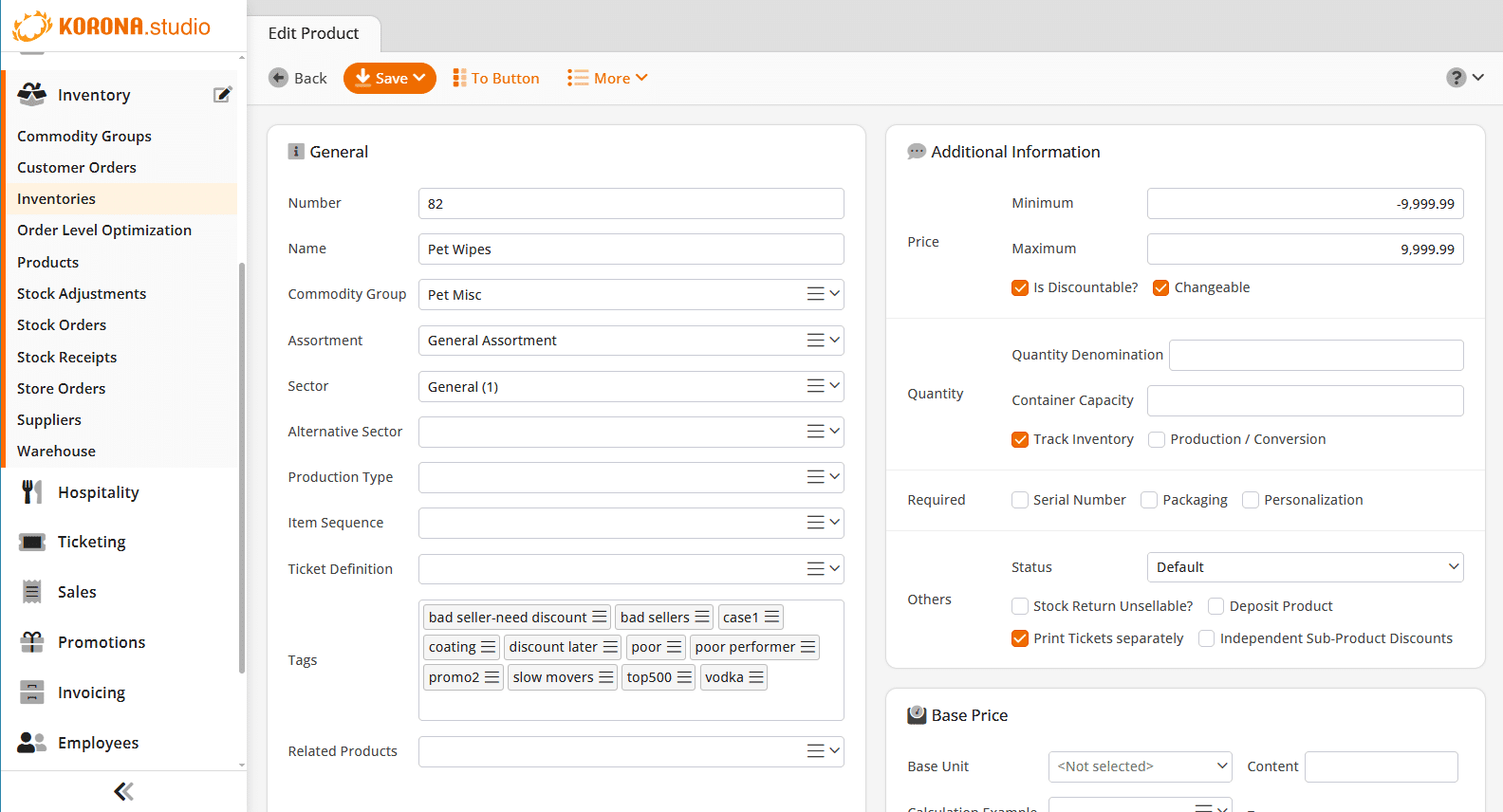
Scan products into your inventory with barcodes. Assign container quantities and special pricing to each code without having to duplicate or recount enhancing your retail operation.
- Print Labels and Tags
Print shelf labels and price tags directly through KORONA POS. Stock receipts can generate price labels, so label printing can be done simultaneously.
Featured video
Customer Testimonials: 7 StoriesKORONA POS makes inventory management such a breeze! The platform is easy to use/learn, and the customer support you get makes it worth every penny! I couldn’t do my job without their support line, and the POS system gives my employees the knowledge to help customers quickly and efficiently!
Nessa N.
Frequently Asked Questions
Start your free trial
Unlimited access — no credit card required
What type of business do you run?
Select one to get started — we'll tailor your trial.
How many locations do you operate?
This helps us recommend the right plan for your scale.
Almost there — tell us about yourself
We'll set up your free trial and reach out to help you get started.
You're all set!
Check your inbox for confirmation of your free trial and instructions to get started.

Product Theft and Loss Prevention
Inventory management software optimizes ordering, pricing, promotions, shelving, storage, and turnover. Together, these are meant to match a store’s supply with the demand for each product, keeping enough stock on hand but avoiding overstock situations while also managing healthy business operations.
Why is retail inventory management important?
Retail inventory management is important because it helps maintain healthy stock levels for each product. This helps prevent stockouts, which lead to a loss of sales and frustrated customers. It also helps retailers prevent being overstocked, which leaves businesses with inadequate storage and reduced cash on hand.
What are some different types of inventory control?
There are many different methods of inventory control and inventory systems. Some of the most common include ABC analysis, economic order quantities, custom par levels, FIFO, LIFO, automated ordering, safety stock ordering, perpetual counts, and dropshipping.
How can a POS system help with retail inventory management?
Prior to modern point of sale software, retail inventory management had to be done on paper ledgers and digital spreadsheets. Now, retailers can use inventory management through their POS system with real-time updates. This automates many processes and saves retailers a great amount of time. With automatic reordering, stock notifications, par level settings, vendor management, and perpetual counts, a POS system helps businesses understand their inventory and run a more efficient operation.
What are the benefits of inventory management software?
Overall, inventory management software is meant to help businesses grow and increase their profits. By creating a streamlined supply chain, retailers can save time from physical inventory counts, improve accuracy, track sales, and boost revenue and operations.
Transformieren Sie Ihr Unternehmen mit KORONA POS. Der Einstieg ist einfach. Und kostenlos.
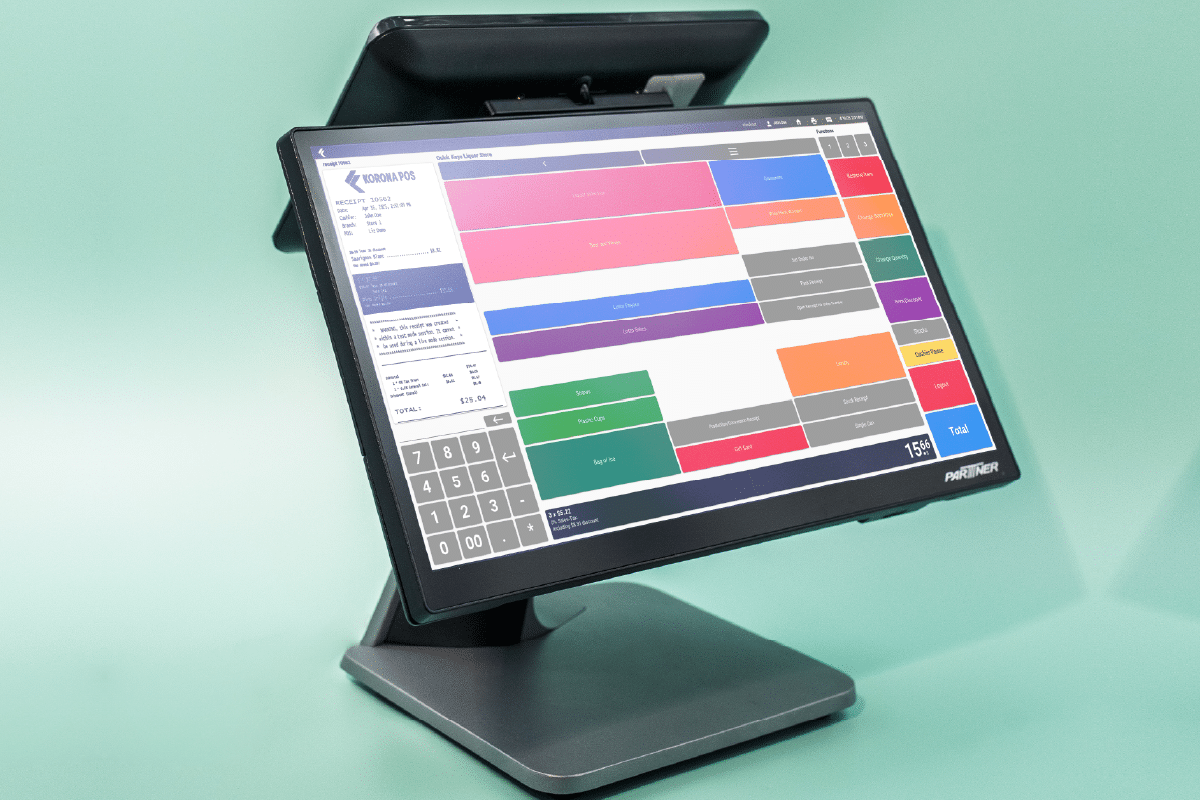
Unbegrenzte kostenlose Testversion
Probieren Sie KORONA POS selbst kostenlos aus. Sehen Sie sich die verschiedenen Point-of-Sale-Funktionen und -Tools an, die Sie für Ihr Unternehmen in KORONA Studio verwenden können. Sie benötigen keine Kreditkarte, sie ist völlig kostenlos und ohne Verpflichtungen.
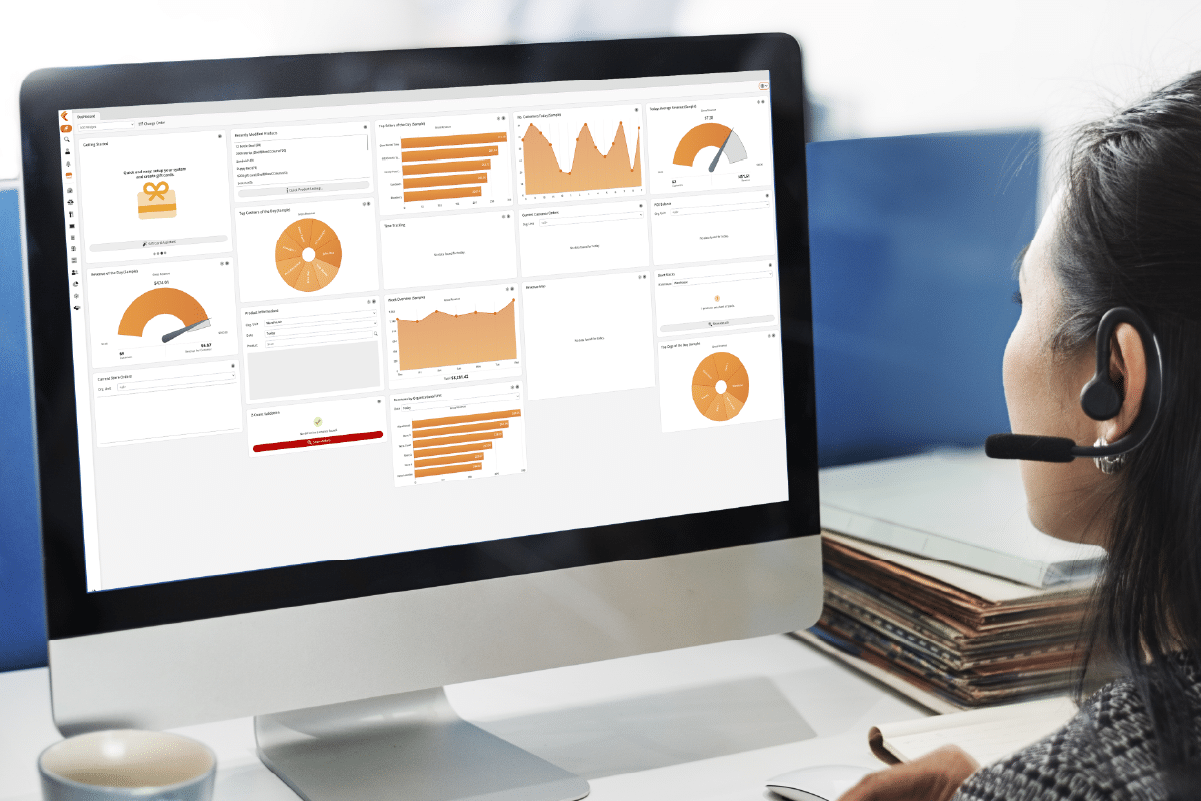
Vereinbaren Sie eine Live-Demo
Sind Sie bereit, mit einem Produktspezialisten zu sprechen und eine vollständige Live-Demonstration von KORONA POS zu erhalten? Lassen Sie uns Ihnen ausführlich zeigen, wie unsere Point-of-Sale-Lösung Ihr Geschäft verbessern kann. Wählen Sie ein Datum und eine Uhrzeit aus, um eine Demo einzurichten.
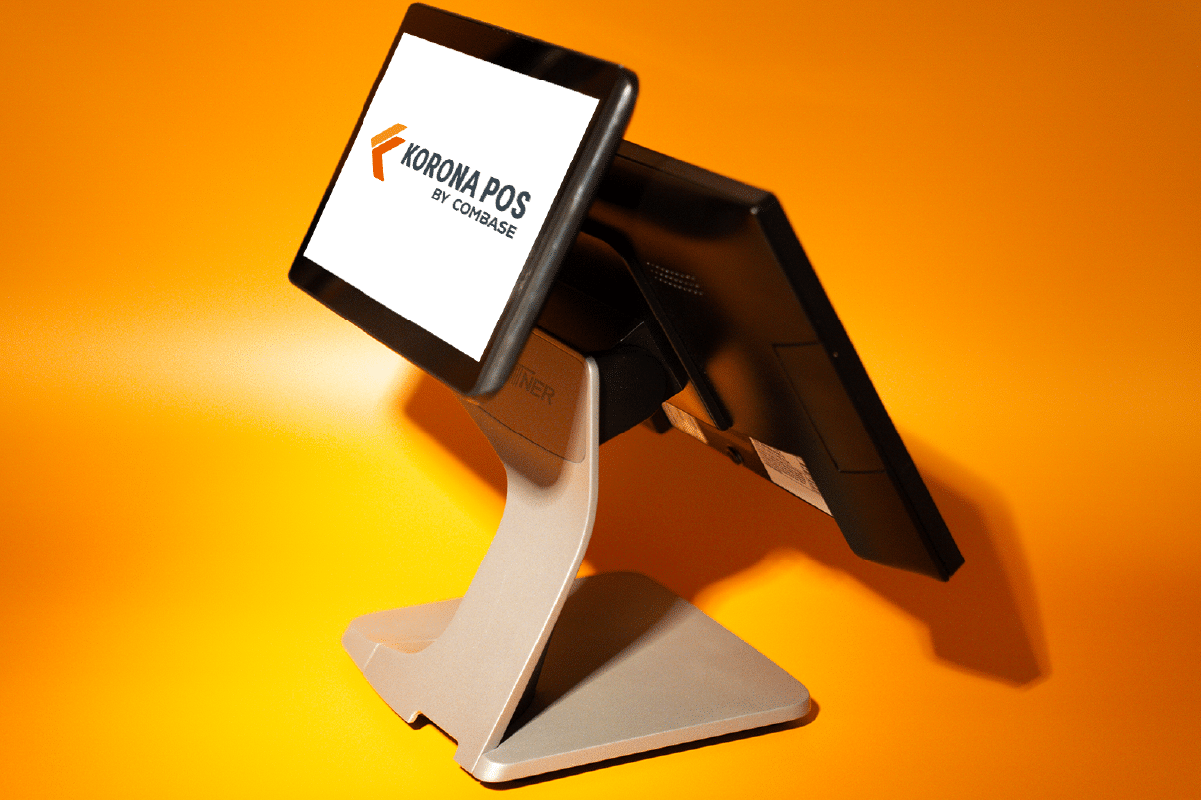
Bauen Sie Ihren EIGENEN POS
Koppeln Sie KORONA POS mit erstklassiger Hardware, um jedes Mal schnelle und zuverlässige Transaktionen zu gewährleisten. Wählen Sie aus unseren vorgefertigten, gebündelten Point-of-Sale-Kits oder wählen Sie einzelne Hardwareoptionen, um Ihren Geschäftsbetrieb zu unterstützen.